- Home
- Guides & Blog
- Why CCTV App Shows Offline
Network & App Triage · Updated Nov 2026
Why your CCTV app shows offline while the TV monitor still works
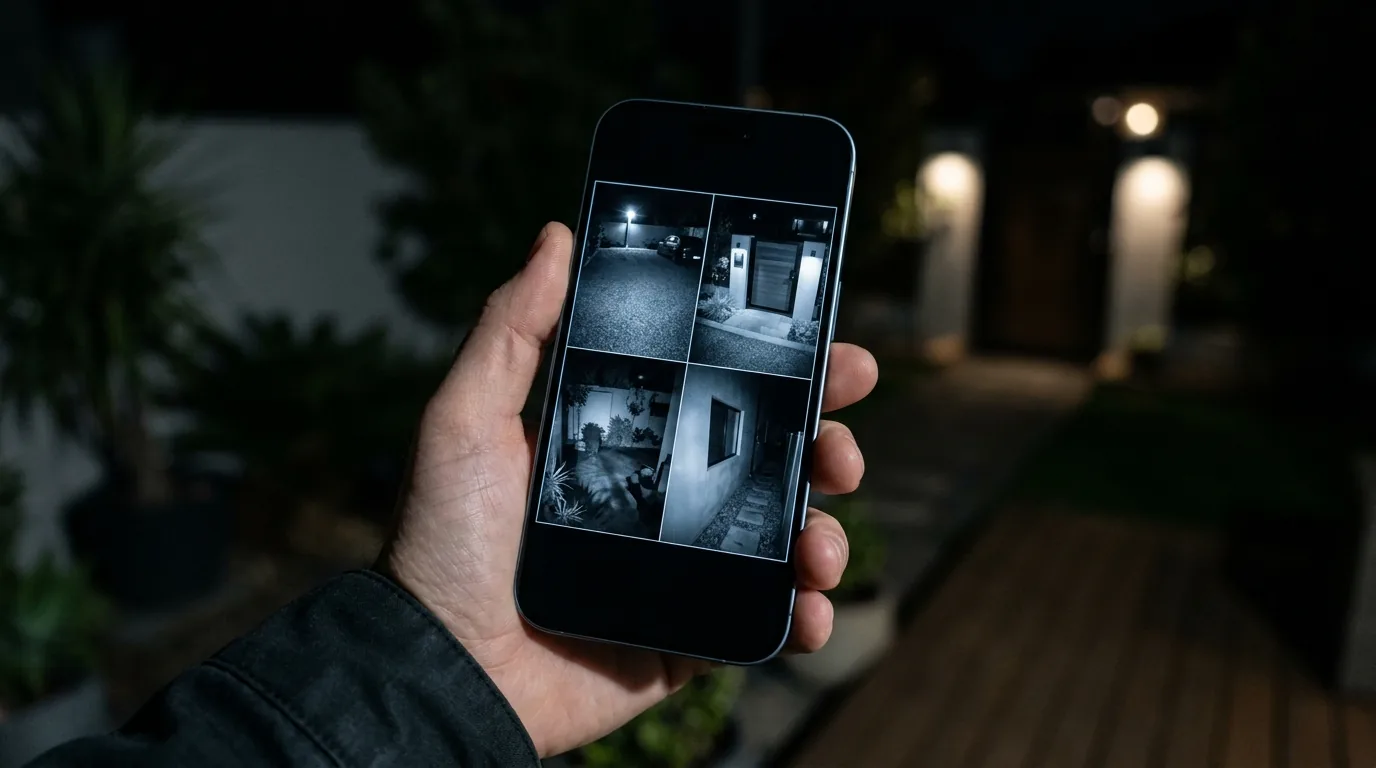
When Hik-Connect, DMSS, VIGI or EZVIZ reads Device Offline while cameras still play on your TV monitor, local recording is intact and only the router uplink dropped. Check patch cords, PLDT, Globe and Converge subnet swaps, DNS 8.8.8.8 and CG-NAT status before booking ₱350 app setup.
- Nov 2026Updated
- ₱350App re-setup labor
- From ₱500Diagnostic (credited)
- ₱0 / moP2P viewing fee
When Hik-Connect, DMSS, VIGI or EZVIZ reads Device Offline while cameras play on your TV monitor, local drive recording works and only the router link broke. Check loose Ethernet patch cords, switch static 192.168.1.x IPs to DHCP after PLDT, Globe or Converge swaps, set DNS to 8.8.8.8 and verify P2P status, or book ₱350 app setup (from ₱500 diagnostic if hardware failed, credited).
From our Cebu CCTV guides hub, this checklist shares weekly Metro Cebu field triage. See remote monitoring, CCTV repair Cebu or our repair price list.
Local drive vs cloud relay
Why on-site recording continues when mobile viewing stops
Local capture runs independently of your fiber modem.
Cameras wire straight to the box
PoE Cat6 and coax lines terminate on the recorder, keeping HDMI screens live offline.
Storage writes 24/7 offline
Your 1TB to 4TB+ surveillance drive logs footage through telco outages for playback.
One Ethernet cord feeds apps
Only the short cable linking the recorder LAN port to your router serves mobile streams.
Subnet or DNS blocks P2P alone
Even with live TV tiles, a stale gateway, DNS error or loose plug turns apps offline.
Patch cord to P2P status
Five steps to triage an offline CCTV app at your site
Follow these steps on your recorder monitor before booking dispatch.
- Check the Ethernet patch cord after router dusting
Inspect both RJ45 ends between NVR and modem. Shelf dusting often unclips cables or moves plugs into IPTV port LAN4 on PLDT ONTs. Use LAN1 and verify link LEDs blink.
- Test internet on building WiFi
Check a webpage over WiFi with mobile data off. A blinking red LOS LED or empty 4G SIM load stops cloud apps until service returns.
- Verify login and Philippine time
Sign into the monitor menu. VECO blackouts drain CMOS batteries, resetting dates to 2015 and breaking cloud handshakes. Locked out? See our password reset guide.
- Switch static IP to DHCP and set DNS 8.8.8.8
Open Network TCP/IP. Replace 192.168.1.x with DHCP, set Preferred DNS 8.8.8.8 and Alternate 1.1.1.1, apply and wait 30 seconds.
- Verify P2P Online status and test 4G data
Open Platform Access or P2P until Status reads Online, then verify live view over cellular data.
PLDT, Globe & Converge gateways
Fixing static IP conflicts after a Cebu fiber modem swap
Telco modem swaps trigger frequent disconnects in Cebu homes and shops.
Older recorders often held static IP 192.168.1.64 on gateway 192.168.1.1. When PLDT, Globe At Home or Converge swaps an ONT or adds a Deco or Huawei mesh node, subnets shift to 192.168.254.x, 192.168.100.x or 192.168.68.x, stranding the NVR while TV recording continues.
Why DHCP beats manual static IPs on changing telco routers
DHCP lets new modems assign matching gateways automatically. On PoE NVRs, edit only the main LAN uplink NIC and leave the internal camera PoE port (often 192.168.254.x) untouched.
WiFi reconnection for Ezviz and Imou after SSID changes
Cordless Ezviz and Imou cameras save one WiFi name and password. Keep 2.4 GHz active across 150 mm hollow-block walls (wired vs WiFi guide).
DNS 8.8.8.8 & carrier NAT
Resolving DNS timeouts, CG-NAT behavior and P2P cloud disconnects
Sometimes an NVR grabs a DHCP lease yet P2P stays Offline from upstream routing.
Where DNS 8.8.8.8 and CG-NAT fit into remote streaming
- Set DNS to 8.8.8.8: Stalled telco DNS servers fail to resolve cloud hosts. Using 8.8.8.8 primary and 8.8.4.4 or 1.1.1.1 backup clears timeouts.
- CG-NAT vs P2P relays: Residential PLDT, Globe, Converge and Starlink links use CG-NAT, breaking old port-forwarding and DDNS. Encrypted P2P relays dial outbound without needing a static public IP.
- Sync VECO outage reboots: Plug modem and NVR into one inline UPS so blackouts never strand the modem (brownout UPS guide).
- Enable NTP sync: Keep Philippine Standard Time (UTC+08:00) synced once DNS responds.
Hik-Connect, DMSS, VIGI & EZVIZ
Where to inspect P2P cloud status across four Cebu camera brands
Inspect each platform’s native cloud screen before unbinding devices.
| App and brand | Menu to inspect | Healthy status | Common Cebu fault |
|---|---|---|---|
| Hik-Connect (Hikvision) | Network > Platform Access | Register Status Online | PLDT LAN4 IPTV slot, stalled DNS or old staff SIM |
| DMSS (Dahua) | Main Menu > Network > P2P | Status Online beside QR | 192.168.1.x static IP after modem swap |
| VIGI App (TP-Link VIGI) | Settings > Network > Cloud | Cloud Connected | Mesh double-NAT or 2015 blackout clock drift |
| EZVIZ App (Ezviz) | App WiFi Settings & LED | Solid blue body light | Changed WiFi SSID/password or 5 GHz-only band |
Uniview (EZView) and Imou follow matching DHCP and 8.8.8.8 checks. Need staff role locks? See remote CCTV monitoring.
App setup vs network diagnostic
When to book ₱350 app setup or from ₱500 on-site diagnostics
Match your fault to our repair price list before booking.
| Service item | Cebu rate | When to book | Warranty and scope note |
|---|---|---|---|
| Phone / remote app setup | ₱350 / box | LAN LED works; need DHCP, 8.8.8.8 or pairing | ₱0/mo viewing; free on new builds, modem swaps outside warranty |
| NVR / DVR password reset | ₱350 / box | Lost admin login blocks edits | Authorized QR/XML reset keeps stored footage |
| On-site network diagnostic | From ₱500 | Dark LAN port, cut Cat6 or surge fault | Credited to repair; ₱800 cable (≤20 m), ₱450 HDD swap |
| Preventive care (PMS) | From ₱1,500 | Clock, seals and SMART check every 3–6 mo | Keeps BPLO sites ready for January checks |
Cebu City Ord. 2381 and 2759, Mandaue Ord. 12-2011-669, Talisay Ord. 2012-09 and Consolacion Ord. No. 11 s. 2022 mandate working business systems (Lapu-Lapu has a 2015 proposal; confirm with your BPLO; this is general information, not legal advice). Compare CCTV repair vs upgrade or packages from ₱18,900.
Same-day Cebu remote recovery
Reconnect your phone app or book an on-site network check
Crews dispatch Mon–Sat (08:00–18:00 PHT) from M.J. Cuenco Ave.: Cebu City <45 min, Mandaue and Talisay <1 hr, Lapu-Lapu and Consolacion <1.5 hr, Minglanilla <2 hr. Reach us via contact, or check remote monitoring, CCTV repair and our price list.
Offline app & network answers
Questions Cebu owners ask when a CCTV app reads offline
Why does Hik-Connect or DMSS show Device Offline when live cameras still play on my TV monitor?
Cameras feed the NVR or DVR over PoE or coax and write to the local drive without internet. Device Offline means only the router uplink, IP gateway, DNS or P2P login dropped.
Which port on a PLDT, Globe or Converge fiber modem should my CCTV recorder patch cable plug into?
Use an active port like LAN1 and check link LEDs at both ends. Some Cebu fiber modems reserve LAN4 for IPTV boxes, leaving recorders plugged there offline after dusting.
How do I tell if my NVR needs DHCP turned on instead of a 192.168.1.x static IP?
Compare the NVR TCP/IP gateway against your phone WiFi gateway. If a swapped modem issues 192.168.254.x or 192.168.100.x while the NVR holds 192.168.1.x, turn on DHCP.
Can setting DNS to 8.8.8.8 fix P2P status when my recorder shows a valid router IP?
Yes. Stalled ISP DNS relays can block Hikvision, Dahua, VIGI or Uniview cloud lookups. Setting Preferred DNS to 8.8.8.8 and Alternate to 1.1.1.1 often brings P2P back Online.
Does carrier-grade NAT (CG-NAT) on residential Cebu fiber block phone app viewing?
CG-NAT breaks legacy port forwarding and DDNS, while P2P apps like Hik-Connect, DMSS, VIGI and EZVIZ connect outbound from your router with zero static IP needed.
When should I pay ₱350 for app setup versus booking the from ₱500 on-site diagnostic?
Book ₱350 app setup when LAN LEDs work and you need DHCP, DNS or pairing fixes. Book the from ₱500 diagnostic (credited to repair) when LAN ports stay dark or cables failed.
Restore live mobile viewing from your recorder.
Share your barangay, recorder brand and recent PLDT, Globe or Converge modem swaps. Our M.J. Cuenco Ave. team confirms ₱350 app setup or a from ₱500 credited diagnostic Mon–Sat.